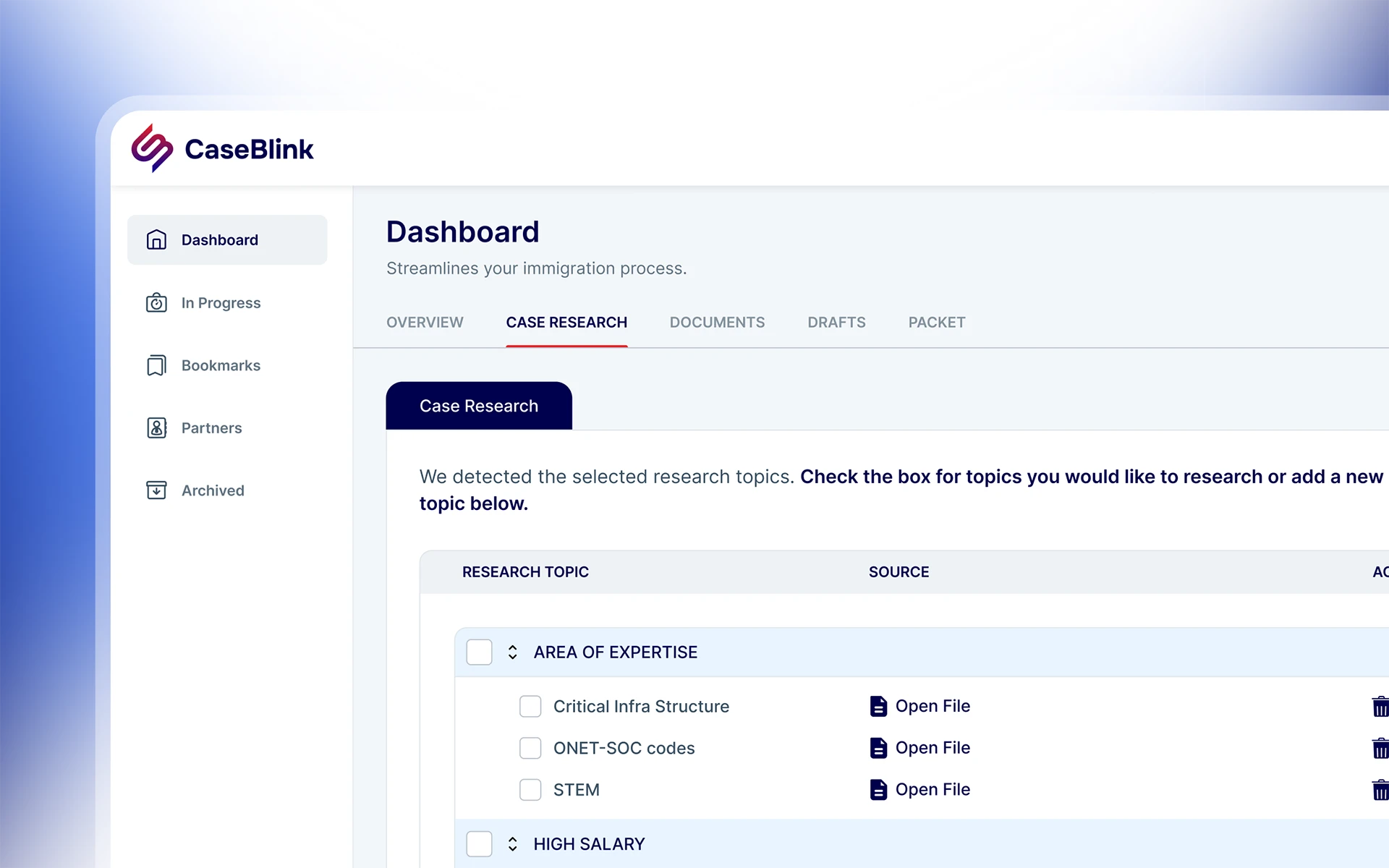
CaseBlink is an AI-powered platform designed to help US immigration law firms manage their cases.
When the founder came to me, the company was pre-funding, pre-brand, and about to start talking to early users and investors at the same time. I was brought on as the solo designer to build the brand identity from scratch and design a high-fidelity MVP, covering everything from the logomark and visual system through to the full application UI.
Immigration lawyers handling NIW cases spend hours on work that shouldn't take hours. Candidate qualifications arrive scattered across emails, PDFs, call notes, and forms. Without a structured system, every case review starts from scratch, and tracking the status of multiple clients at once quickly becomes fragmented. The founder had experienced this firsthand as an applicant. He knew how much time was lost before a single document could be filed. Months of back-and-forth, most of it caused by disorganisation rather than complexity. His question was straightforward: what if the lawyer had a tool that organised, researched, drafted, and assembled immigration cases in a fraction of the time? The brief was clear: brand identity and full application UI, built in three months and ready for a seed funding round.
I conducted interviews with both the founder (representing the applicant's frustrating, opaque wait times) and the attorney co-founder (representing the practitioner's manual, fragmented document workflow). These discussions revealed that the primary bottleneck wasn't the complexity of immigration law itself, but the lack of a structured system to organize, research, and assemble cases efficiently.
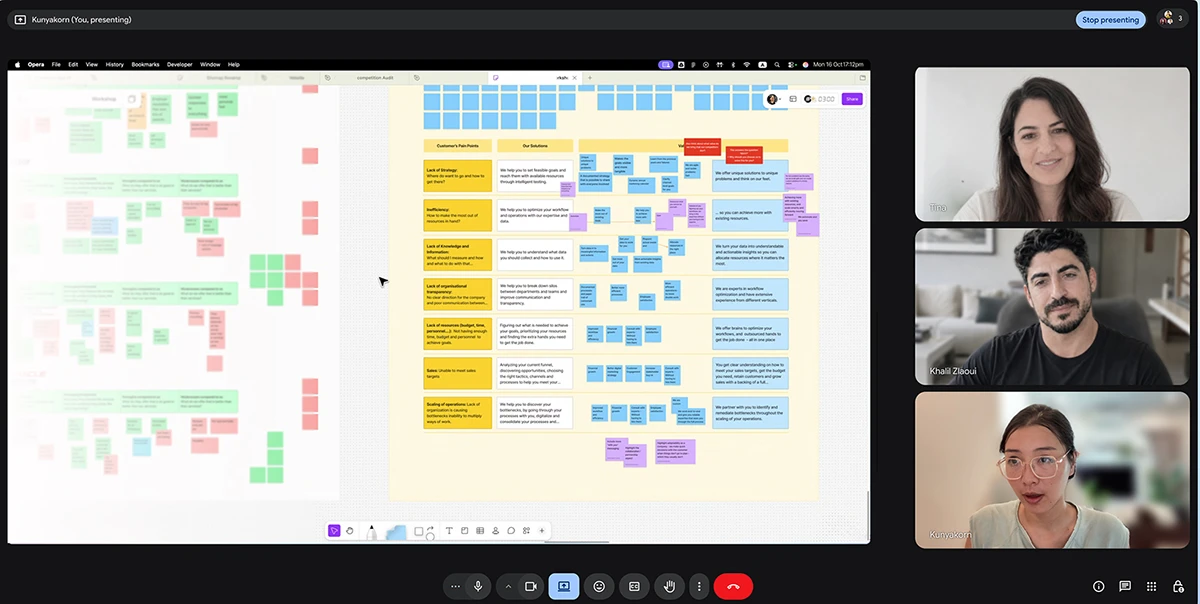
Existing case management tools like Docketwise, LawGreex, and Clio are built for general legal practice. The lawyer co-founder identified the core gap: none of them are designed around the specific document-heavy, research-intensive workflow of immigration law. The result is that most lawyers default to a patchwork of spreadsheets, email threads, and shared drives. None of these were built for this job.
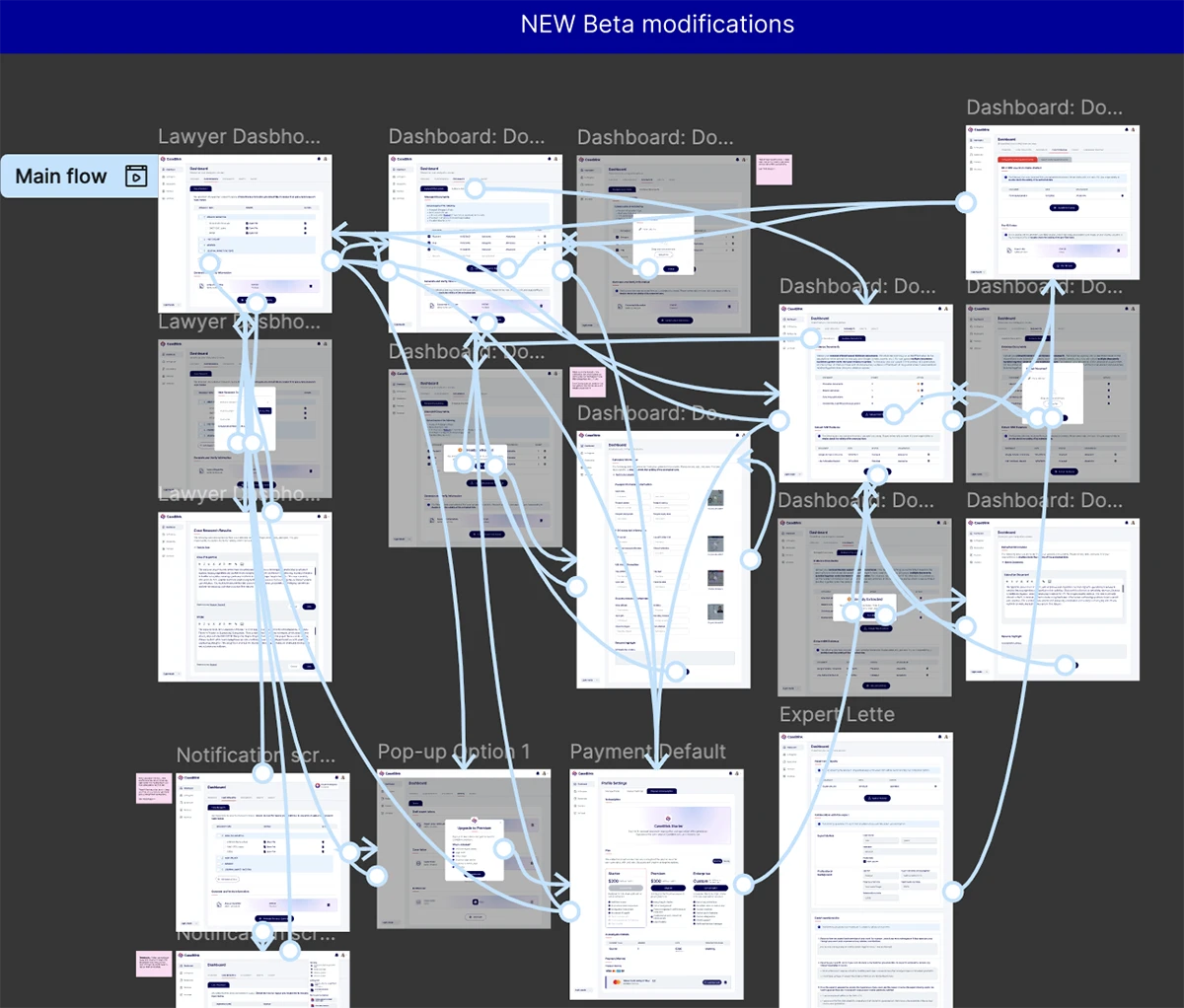
Before any visual design began, I mapped the core flows across the main pathways in the application. The flows informed the tab structure, sidebar navigation, and screen hierarchy, all structural decisions made before colour or brand were applied.
The brand had to do three things at once: feel credible enough for an attorney to trust, feel modern enough to signal this wasn't another clunky legal tool, and give investors the sense that the people behind it knew what they were doing. Those three audiences don't always want the same thing from a visual identity, so the design had to be precise rather than loud.
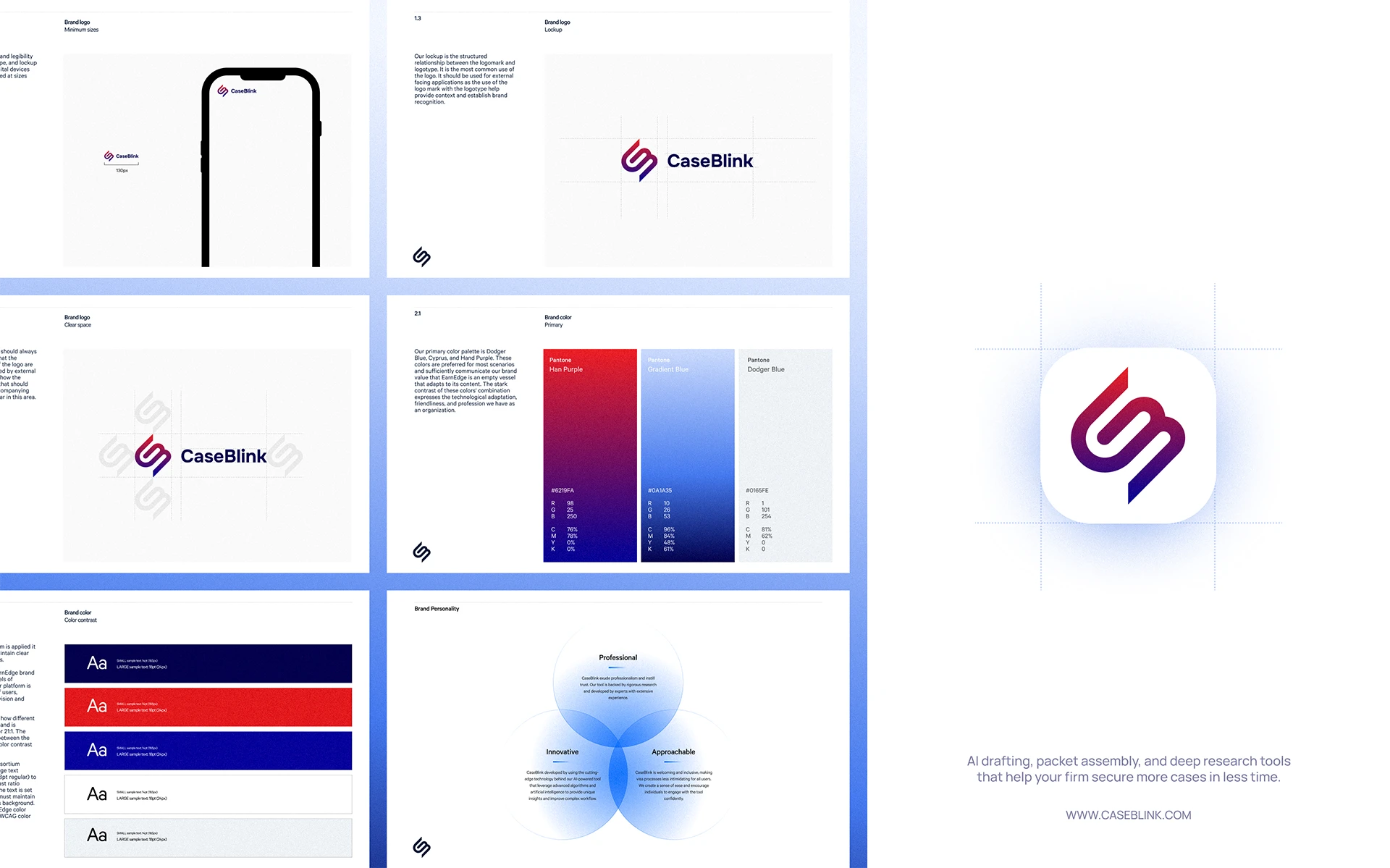
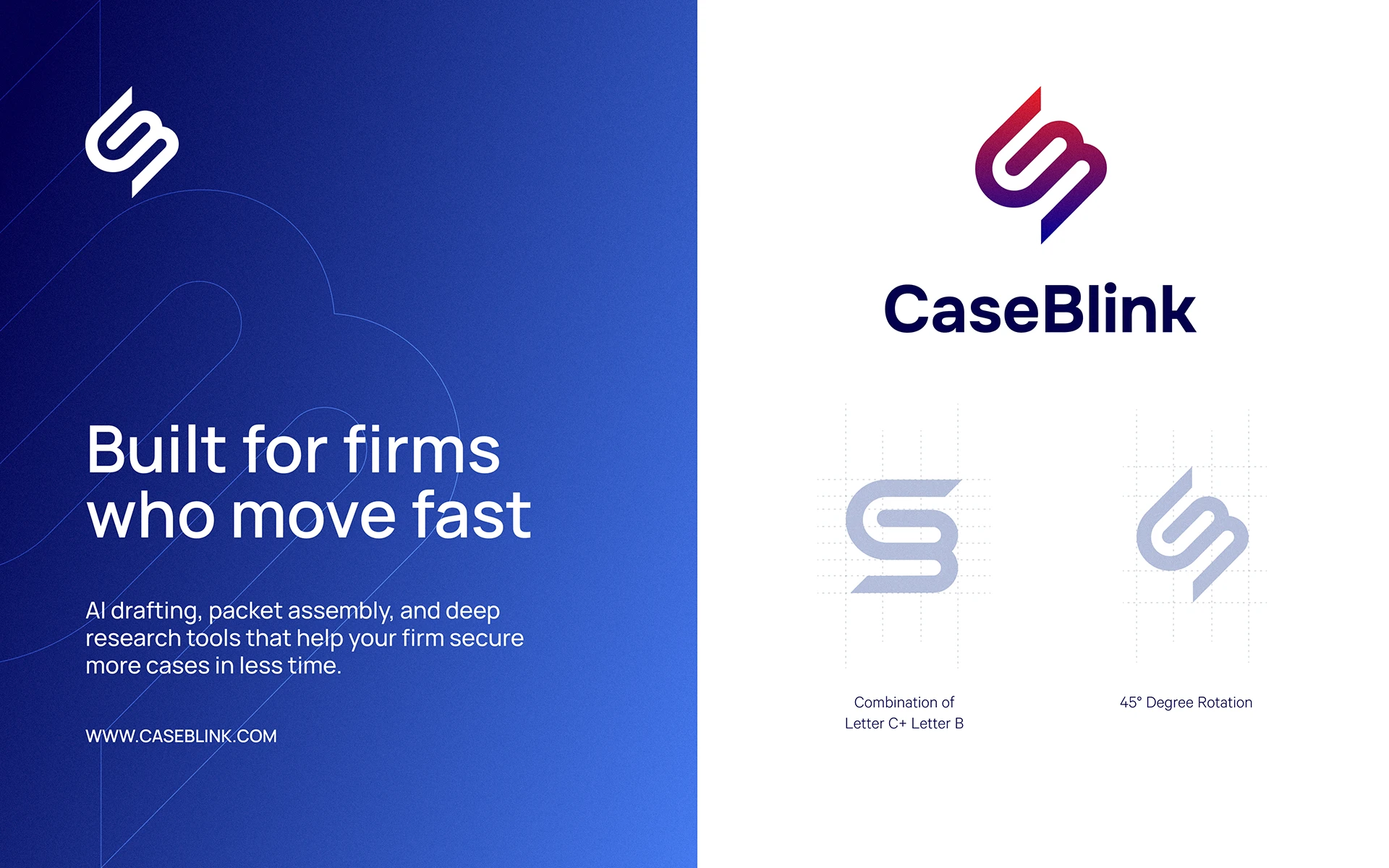
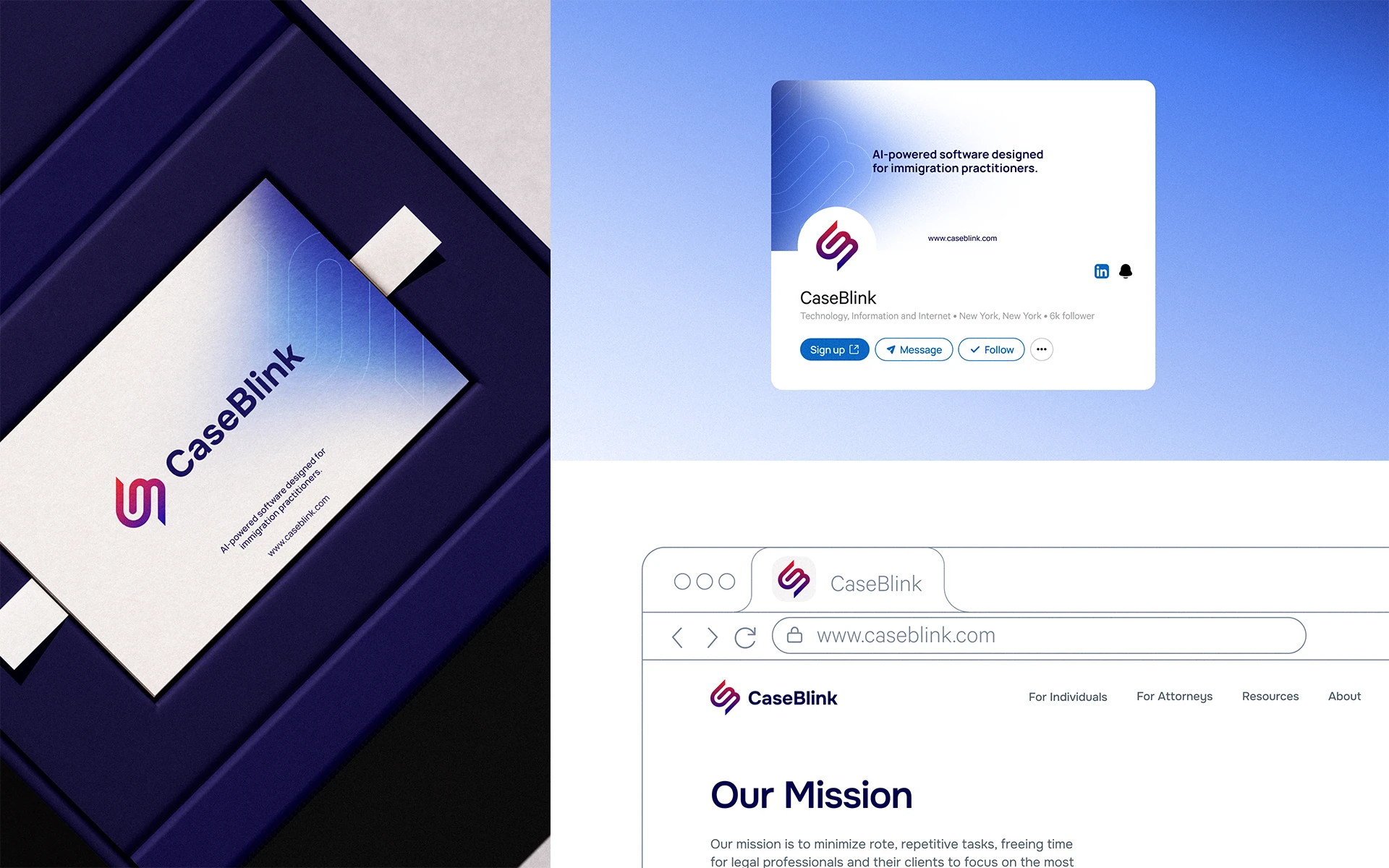
The identity had to satisfy three audiences simultaneously: credible enough for an attorney, modern enough to signal this wasn't another clunky legal tool, and polished enough to hold up in investor materials. The logomark fuses C and B into a single form rotated 45 degrees. The colour palette sits in authoritative but modern territory that is far enough from the generic corporate blue that most legal tech defaults to, without tipping into anything that would make an attorney uncomfortable.


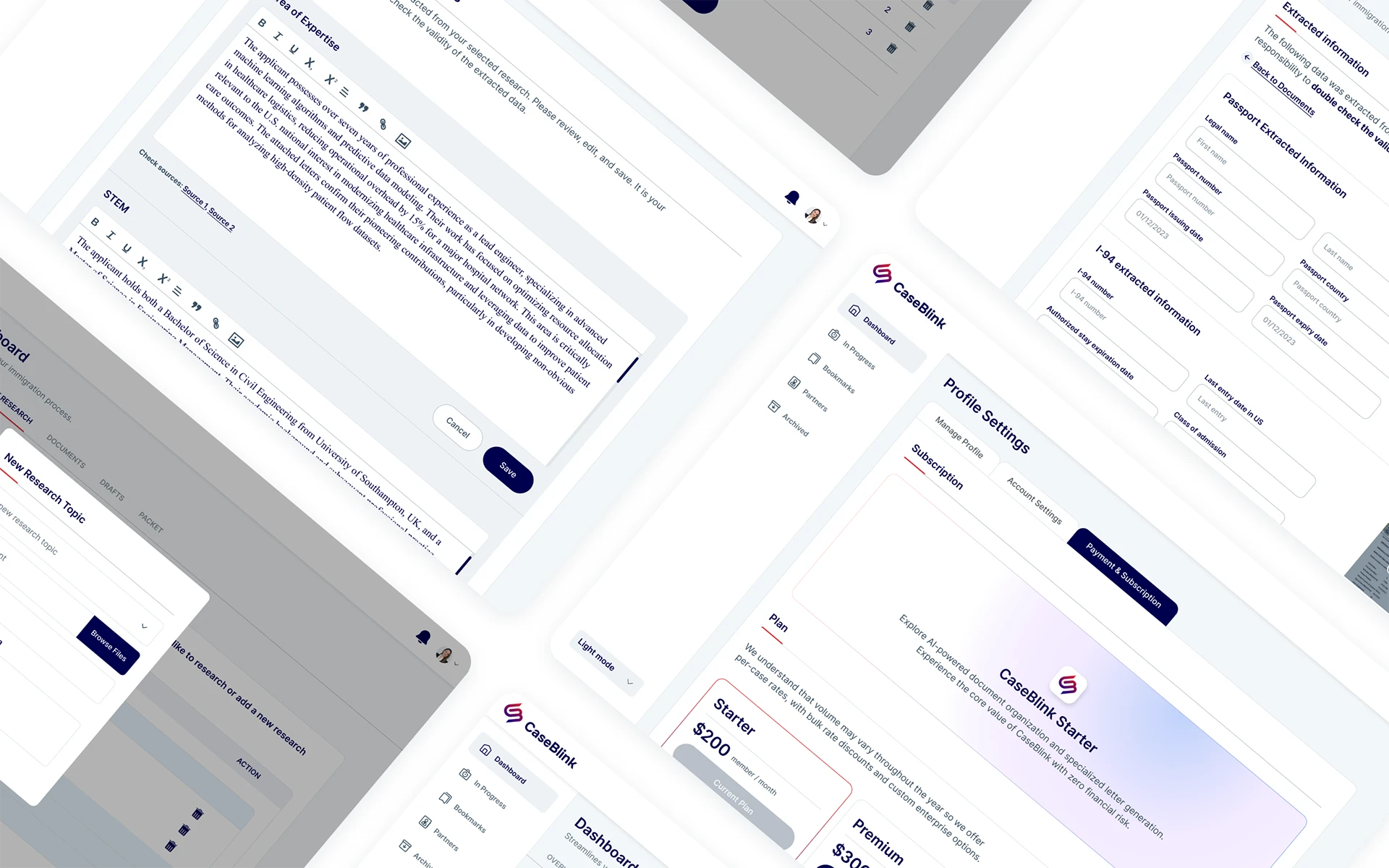
Screens showing distinct UI patterns across the application: dashboard state, case research workflow, document management, subscription pricing, and evidence extraction.
Three decisions defined the structural character of the interface. Each one was a deliberate choice over an alternative that would have worked differently.
For a tool where lawyers manage multiple concurrent cases, I needed the navigation to hold context at all times. A top nav collapses that context the moment you go deeper into a screen. The sidebar keeps the full picture visible, where you are and what else is open, without interrupting the working view.
Lawyers switch between different types of work on the same case constantly. Tabs keep the case in frame while the working view changes. Navigating away entirely would have broken the mental thread. The pattern mirrors how a physical case file actually works, one folder with multiple sections inside it.
The platform's core value is AI-assisted work. I gave that action primary button treatment so it reads as the natural next step rather than a secondary option buried in the interface. The hierarchy of the screen follows the hierarchy of the workflow.
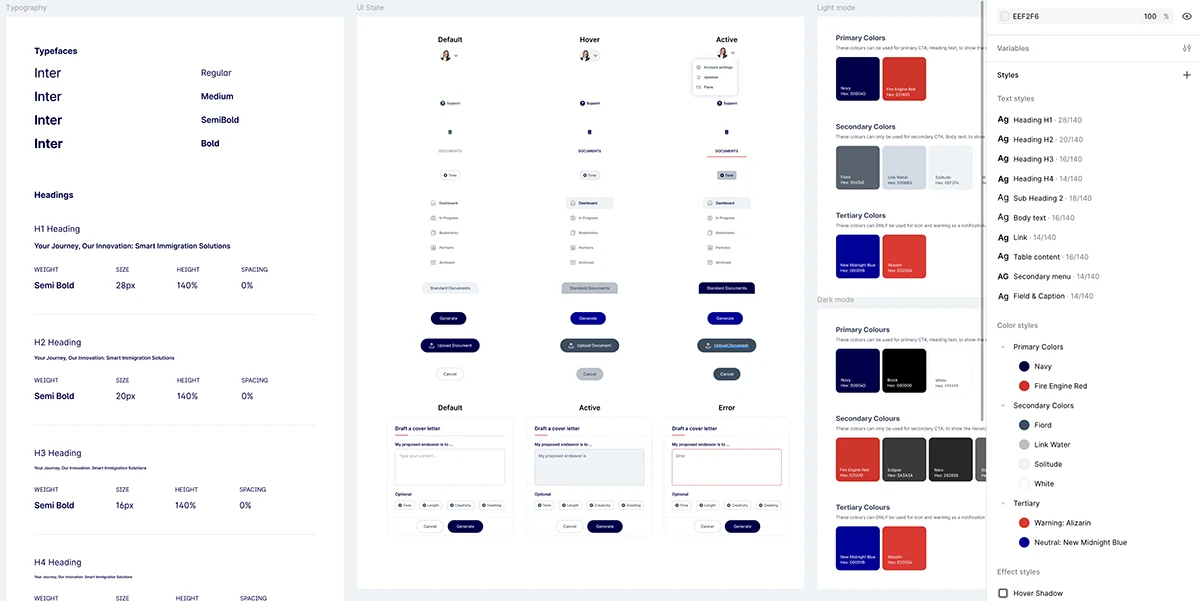
A component library was built in Figma before hi-fi screens were produced, ensuring visual consistency across the application without resolving the same problems repeatedly at screen level.
CaseBlink went on to raise $2.15M in seed funding in 2025 from Entrepreneurs Roundtable Accelerator and Tower Research Capital. The brand identity and product design were part of the materials used throughout the fundraising process. The $2.15M raise was the team's achievement — the result of a strong product thesis and hard work building the business. But there is something specific about designing for a pre-funding startup where the work you make is in the room during every investor conversation. The goal was to make sure it didn't let them down.